Data retention
Zeploy deletes old snapshots, deployment history and record-migration history automatically. The Data retention card on your Account page lets an owner or admin choose how long that history is kept.
Before you start
Only an owner or admin can change these settings. Members see the current values with the note "Only an owner or admin can change these settings."
Steps
- Open Account from the account menu and find the Data retention card.
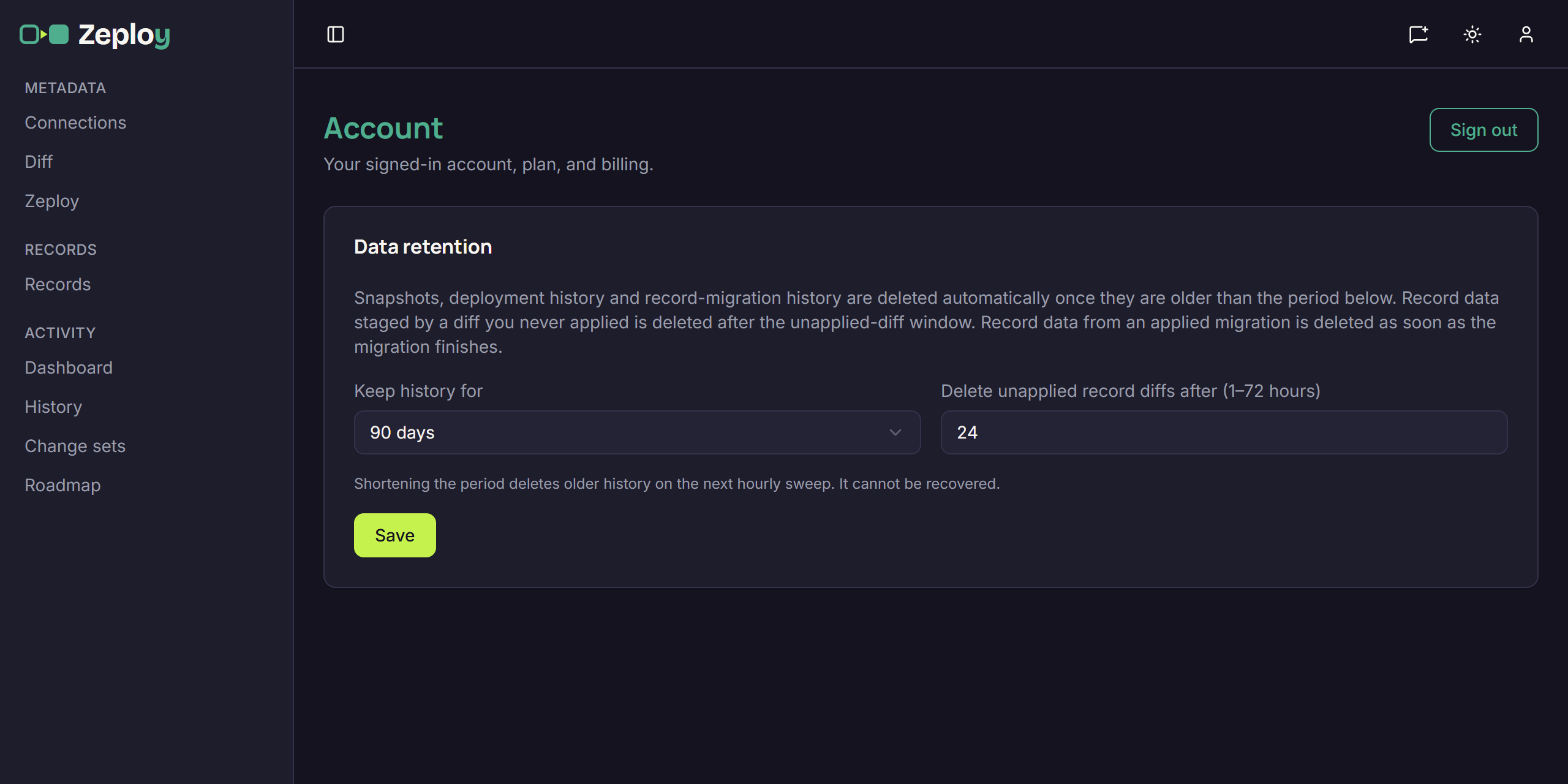
- Pick Keep history for. Choose 30 days, 60 days, 90 days or Forever. Anything older than this is deleted automatically.
- Set Delete unapplied record diffs after. Enter a number of hours from 1 to 72. When you compare records, Zeploy stages the record data for the diff. If you never apply it, that data is deleted after this window. See Compare records.
- Click Save. You see "Saved." If it fails, your previous settings stay in effect.
Good to know
- Shortening the period deletes older history on the next hourly sweep. It can't be recovered.
- Record data from an applied migration is deleted as soon as the migration finishes, whatever you choose here.
- This covers snapshots, deployment history and record-migration history, which appear in History.
- To delete all of it at once, use Erase data. See Close your account.