Roadmap
The Roadmap shows where Zeploy is headed. It is a read-only board. You can't change anything on it, but you can tell us what you'd like to see.
Steps
Open Roadmap from the sidebar, under Activity.
Read the four columns. They run left to right in the order a feature moves through them:
- On Roadmap: planned, not started.
- In Development: being built now.
- In Beta: available, and still being polished.
- Zeployed: shipped and live.
Each card has a title and a short description. The number at the top of a column is how many cards it holds.
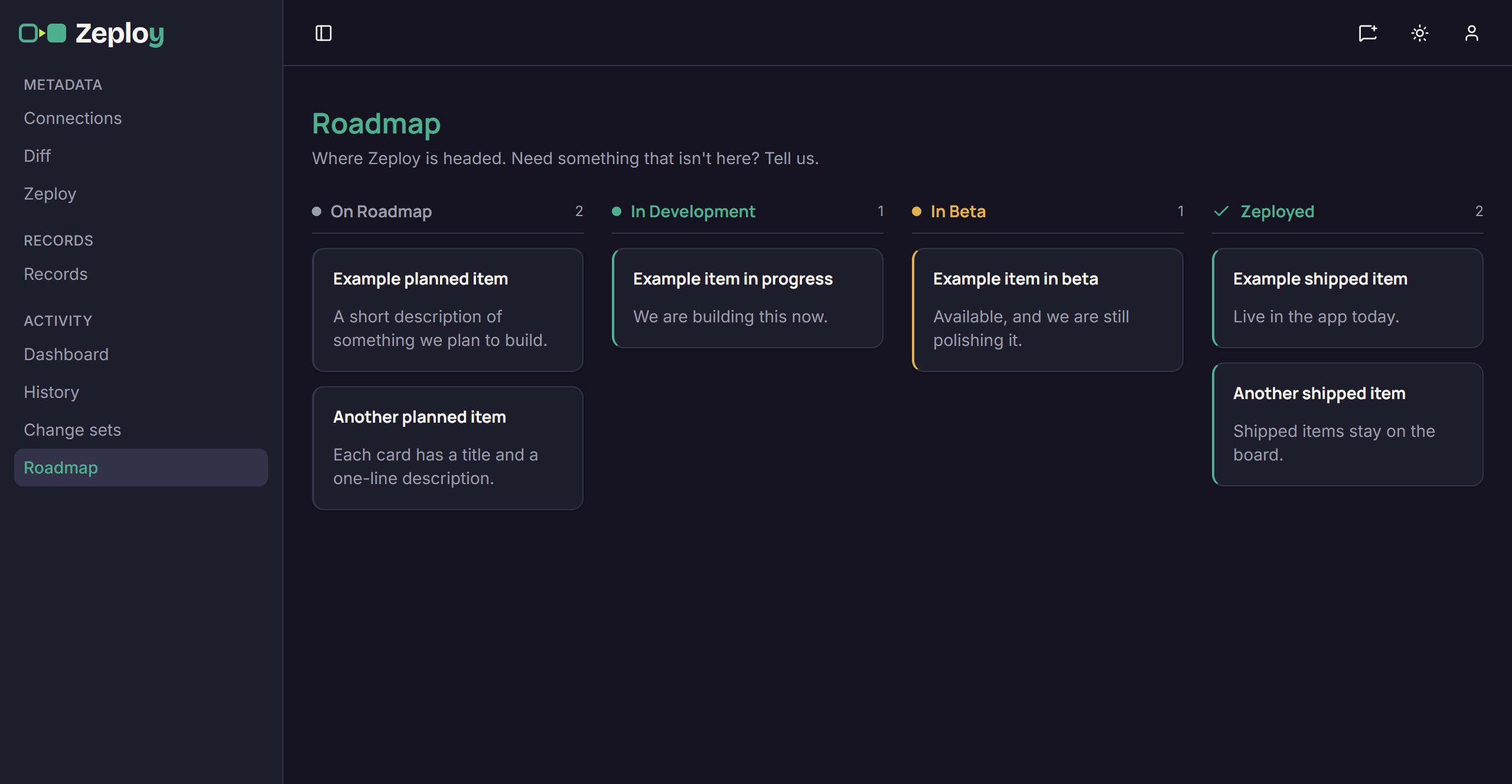
The roadmap board with example cards in each column Ask for something that isn't there. The page says "Need something that isn't here? Tell us." Use the feedback button in the page header, or see Feedback and support.
Good to know
- The cards in the picture are examples. The real board shows our current plans and changes as work moves along.
- On a narrow screen the columns stack one under another.
- A card's column tells you how far along it is. It isn't a promise of a date.