Feedback and support
You can report a bug, suggest an idea or ask a question without leaving Zeploy. If something is urgent, or the form doesn't work, email support@zeployapp.com.
Steps
- Click the feedback icon in the top bar, the speech bubble with a plus. It's next to the theme toggle and the account menu, and it's on every page.
- Choose a Category: Bug, Idea or Question.
- Write your Message. It needs at least 10 characters and can be up to 5000. A counter under the box shows how many you've used.
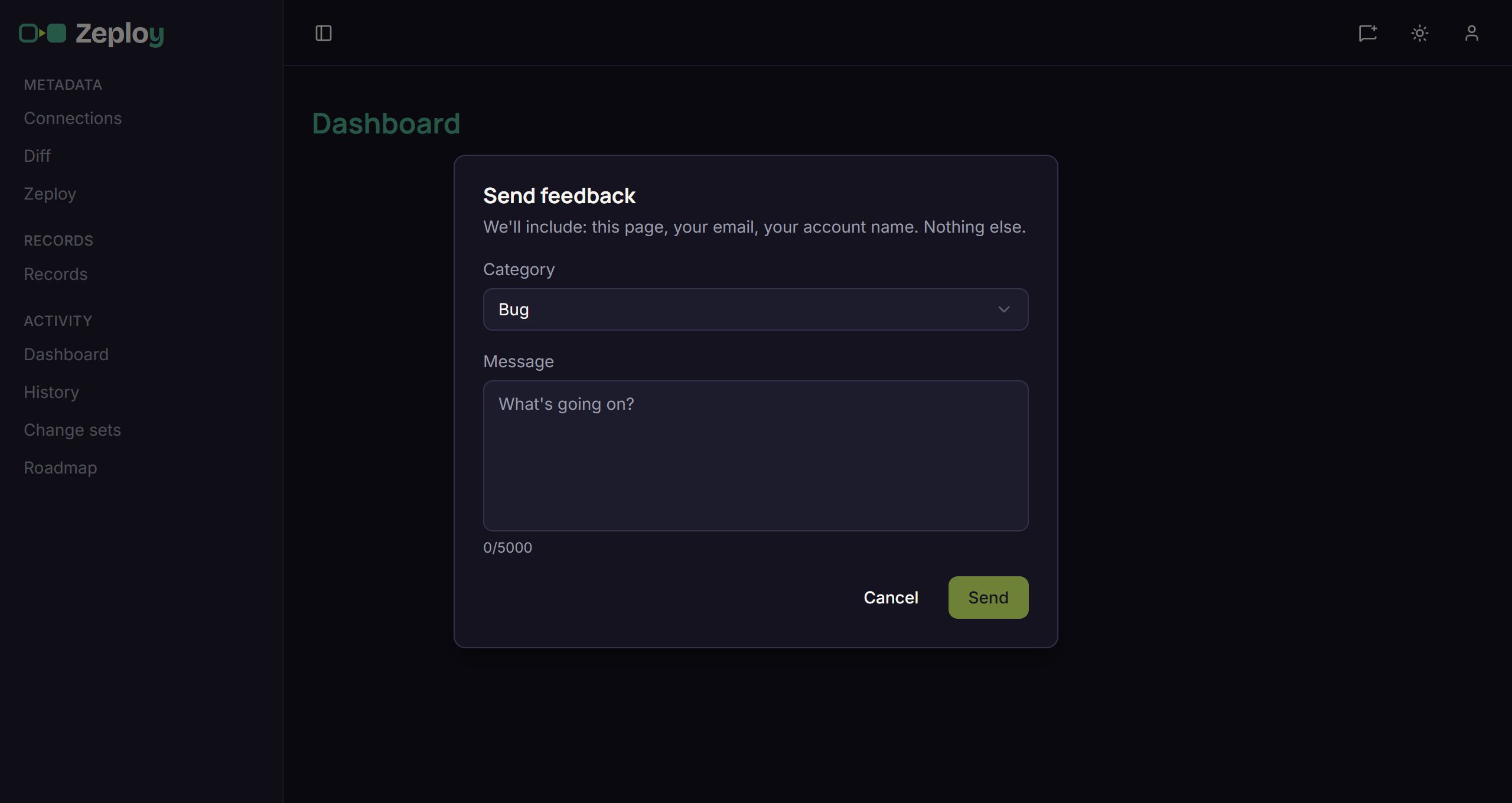
- Click Send. You see "Thanks — sent (ref …)." Keep the ref if you follow up with support. Click Close to finish.
What gets sent
The dialog says it: "We'll include: this page, your email, your account name. Nothing else." You can't edit those and you don't need to type them.
Good to know
- If sending fails you see "Couldn't send — please email support@zeployapp.com directly." Your message stays in the box so you can copy it into an email.
- Include what you were doing and what you expected. For billing questions, quote your Account code from Plan and billing.
- Closing the dialog before it sends discards what you typed.
- You can open these guides any time from Help in the app sidebar or the account menu.